



A 6-digit verification code is a one-time number that proves you’re the person a digital credential, badge, or account belongs to. You enter it on the issuing platform, usually within a few minutes, and it unlocks the next step: claiming a certificate, confirming your email, or sharing a record with a school or employer. The whole process typically takes under two minutes and requires nothing more than access to the email address or phone number the code was sent to.
Why six digits? It’s a balance. The code is short enough to type from a text message without errors, yet it can be one of a million combinations, and because it expires quickly, a stolen or guessed code is rarely useful to anyone else. Platforms that issue digital credentials lean on this simple check to make sure a diploma, transcript, or skills badge lands with the right person.
Picture a parent helping a high schooler claim a digital certificate of completion. A code arrives, the clock starts, and a mistyped digit or an expired message turns a simple task into a frustrating one. Most problems come down to timing, the wrong inbox, or a code that was already used.
This guide covers what the code is, who can use it, how to complete each step, and what to do when it doesn’t work.
What a 6-Digit Verification Code Is and Why Digital Credentials Use It
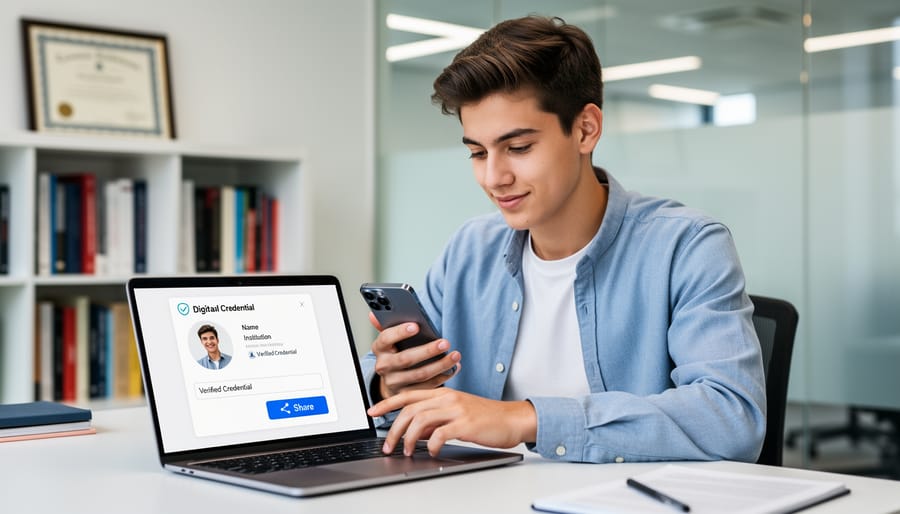
Where Students and Parents Encounter These Codes
Most families first meet a 6-digit code during ordinary school tasks, not anything exotic. A code usually shows up at the moment a system needs to confirm that the person asking for access is really you. Here are the situations you’re most likely to run into:
- Logging in to a school or district portal: the code confirms the person signing in is the account owner, not someone with a stolen password.
- Claiming a digital badge or certificate: the code ties the credential to the right learner before it appears in their account.
- Releasing transcripts to a college: the code checks that the student, not a stranger, approved sending the records.
- Confirming a parent’s account for student records: the code helps ensure only an authorized family member can view a child’s information.
Each of these follows the same pattern, though the screens and wording differ from one school or platform to the next. A parent might get a text while helping a ninth grader check grades, while a graduate might get an email when collecting a certificate earned through recognition of prior learning.
If a code arrives and you didn’t ask for one, don’t enter it anywhere. Check your account directly through the school’s official site instead.
Who Can Use Verification Codes: Eligibility Requirements for Accessing and Sharing Credentials
Not everyone who sees a 6-digit verification code is meant to use it. Eligibility usually comes down to three groups: the credential holder, a parent or guardian, and an authorized verifier.
The credential holder, meaning the student or graduate, is the primary user. The code confirms that the person trying to open or release a diploma, transcript, or certificate is the person it was issued to.
A parent or guardian may receive codes when the account belongs to a minor and the issuing institution allows that access. Many schools set this up deliberately, so a parent can help a younger student claim a digital badge or approve a records release.
Authorized verifiers are admissions offices, employers, and similar organizations. They don’t own the credential, but they can confirm it’s genuine once the holder shares it. This matters more as employers move toward skills-based hiring where a verified credential can carry real weight in a candidate’s application.
Here’s how the roles compare:
| Who you are | What you typically need | What the code lets you do |
|---|---|---|
| Student or graduate | An account with the issuer, a registered email or phone, access to that device | Claim, view, and share your own credentials |
| Parent or guardian | Account access for a minor, the school’s permission, a verified contact method | Help manage or approve actions on a minor’s account |
| Employer or admissions verifier | Authorization from the holder, plus a contact method the platform accepts | Confirm that a shared credential is authentic |
Across all three roles, the prerequisites look similar. You’ll generally need an account with the issuing institution or credential platform, a verified email address or phone number, and access to the registered device where the code arrives.
Requirements vary by institution and platform, though. Some schools limit parent access by age, and some platforms handle verifiers differently. Before you start, check with your issuer, such as the registrar or student records office, to confirm exactly who qualifies and what you’ll need.
How to Receive, Enter, and Use a 6-Digit Code to Share a Verified Credential
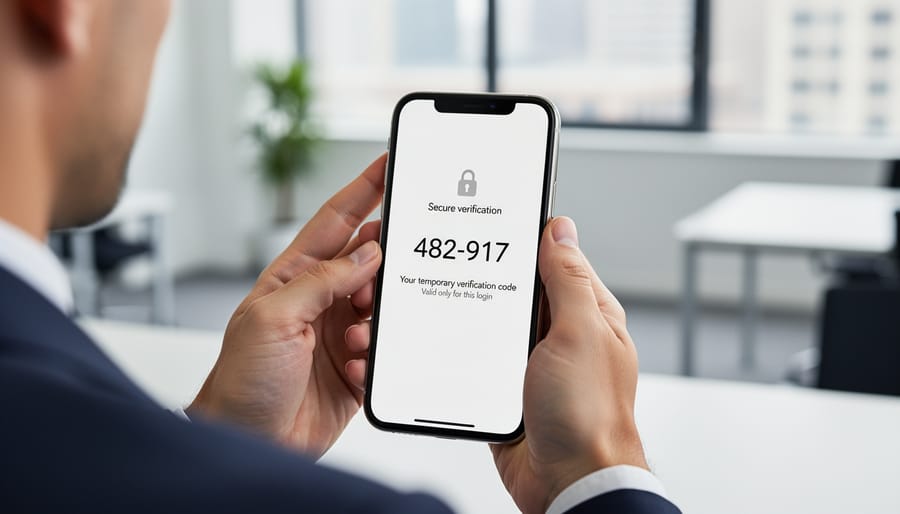
If the Code Doesn’t Arrive or Doesn’t Work
When a code doesn’t show up, the cause is usually small and fixable. Start with the basics: check your spam or junk folder, and make sure your phone has a signal or your email app has refreshed. Text codes can lag a minute or two, especially on a weak connection.
Next, confirm the phone number or email address the school or credential platform has on file. If you changed numbers last year and never updated your student account, the code is going to the old one. This is one of the most common reasons a code seems to vanish, and it’s worth checking before you request anything new.
If you do request a new code, wait a minute or two first. Most systems stop honoring older codes once a fresh one is issued, so entering the first code after asking for a second is a classic way to get an “invalid code” message.
If you use an authenticator app, the code changes every 30 seconds or so, so a code that worked a moment ago may already be expired. Check that your device’s clock is set to update automatically. Even a small time difference can make a correct code fail.
Finally, resist the urge to tap “resend” or type guesses over and over. Repeated rapid attempts can trigger a temporary lock on the account. If that happens, step away for a while and try again later. If the problem continues, the school’s records office or IT help desk can sort it out.
Your Rights and Responsibilities When Handling Verification Codes
Most students are surprised to learn that a 6-digit code is only the visible tip of a larger arrangement. Behind it sit rights you hold over your records and duties you carry for keeping them safe.
What you can generally expect:
- Control over who sees your credentials and when you release them.
- Access to review your own records held by the issuing institution.
- The ability to ask for correction of information that is inaccurate.
- Privacy protections for student education records, such as those under FERPA in the United States.
FERPA, in general terms, gives students (or parents of minors) the right to inspect their education records, request fixes to errors, and limit disclosure without consent in most cases. If you live elsewhere, similar privacy rules may apply under a different name. Your school’s records office can tell you which ones cover you.
Rights come with some everyday responsibilities. These are what keep the system trustworthy:
- Never share a code with anyone, including someone claiming to be from your school.
- Keep your email address and phone number current with the issuing institution.
- Report suspicious code requests or unexpected messages to your school or platform.
- Release credentials only to verifiers you recognize and trust.
Parents can make this easy by treating the code like a house key. Sit down with a younger student the first time they claim a credential, and talk through why the number stays private. A quick habit helps: if a code shows up and nobody in your household requested it, pause and check the account directly instead of acting on the message.
Keep in mind that specific rights and timelines differ by country, state, and institution. A district portal may handle record corrections differently than a university registrar or a credential platform. When in doubt, check your issuer’s published privacy or student records policy.
Spotting Code Scams and Keeping Credentials Safe
Think of a 6-digit code as the key to your front door. You wouldn’t hand a stranger your house key because they asked nicely, and the same goes for codes. A real school, employer, or credential platform will never ask you to read a code aloud over the phone or reply with it to a text or email you weren’t expecting. If someone does, that’s your signal to pause.
Here’s a habit that works well: if a code shows up and you didn’t request it, treat it as a nudge to check your account, not as something to act on. Open the official app or type the website address yourself instead of tapping a link in a message. If everything looks normal, you can simply ignore the code. If something looks off, change your password and let your school’s records office or IT help desk know.
Staying safe is part of how you protect your credentials over time, whether you’re a student today or a working professional who needs to maintain credentials and keep up with continuing education records.
Try this at home or in class: ask, “A message says it’s from our school and wants the code you just got. What do you do?” Talking through it builds confident, calm habits.
How to Apply or Complete the Process
Completing verification follows the same basic order on most platforms. Start from the official site or app of your school, district, or credential provider, never from a link in an unexpected message. Sign in, then choose the credential you want to claim or share. When the platform asks you to confirm your identity, request the 6-digit code and select where it should be sent, either your registered email or phone number.
Enter the code before it expires, usually within a few minutes. Once accepted, you can finish claiming the credential or release it to the person who needs it, such as an admissions office or employer. Some credentials come with extra administrative steps beyond the code. For example, a staff credential tied to language skills might require a QBS assessment before it can be issued or shared, so check what your issuer asks for. If a step is unclear, contact the registrar or help desk before trying again.
Where to Get Help With Verification Codes and Credential Access
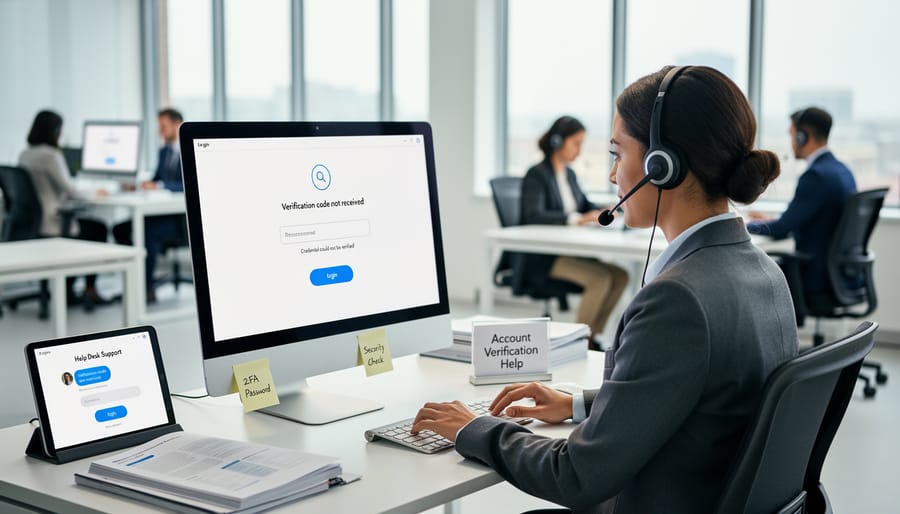
When a code won’t arrive, won’t work, or won’t let you finish sharing a credential, the fastest fix is usually the office that issued it. Start with the registrar or student records office, which manages diplomas, transcripts, and the contact details tied to your account. If the problem is a login, a locked account, or a code that never shows up, the school’s IT help desk or district technology team is the next stop. For problems inside a badge or certificate platform, check that platform’s help center first. And if an employer or admissions office can’t confirm your credential, ask for the name of their verification contact so you can sort it out together.
Before you reach out, have a few details ready:
– Your student ID or other identifier the school uses
– The email address or phone number registered to the account
– The approximate date and time you requested the code
– The name of the credential or platform involved
Keep a simple log of each request: who you contacted, when, and what they said. A short note or saved email thread saves time if you need to follow up, and it helps if the issue reaches a supervisor.
Why did I receive a code I didn’t request?
Someone may have typed your email or phone number by mistake, or someone may be trying to access your account. Don’t share or enter the code, and check your account through the official site or app.
How long is a code valid?
Codes are typically short-lived, often just minutes, though the exact window varies by platform. If yours has expired, request a new one and use only the most recent.
Can a parent request a code for a student’s account?
It depends on the student’s age and the institution’s policies. Ask the school’s records office what is allowed.
What if I no longer have access to my registered phone or email?
Contact the IT help desk or registrar to update your details. Expect to confirm your identity first.
Who do I contact if my credential doesn’t verify?
Start with the issuing school’s registrar or the credential platform’s help center. They can confirm whether the record is active and correct.
Support teams handle these questions every day, so asking early is almost always better than waiting.
A 6-digit verification code may look like a small thing, but it does real work. It gives students, parents, and educators a quick, secure way to show that a credential is genuine and that the person sharing it is its rightful owner. That is what makes digital credentials portable. A diploma, transcript, or certificate can move from one school to the next, or on to an employer, without anyone wondering whether it can be trusted.
The system works best when the basics are in place. Keep your codes private, use official apps and websites, and treat any unexpected code as a reason to check your account rather than a request to respond. If a code ever fails to arrive, the registrar or help desk can sort it out.
Here’s an easy next step. Before your next college application or job search, contact your school’s records office and confirm that the email address and phone number on file are current. A few minutes now means the code reaches you the moment you need it.